IAMSTULITTLE
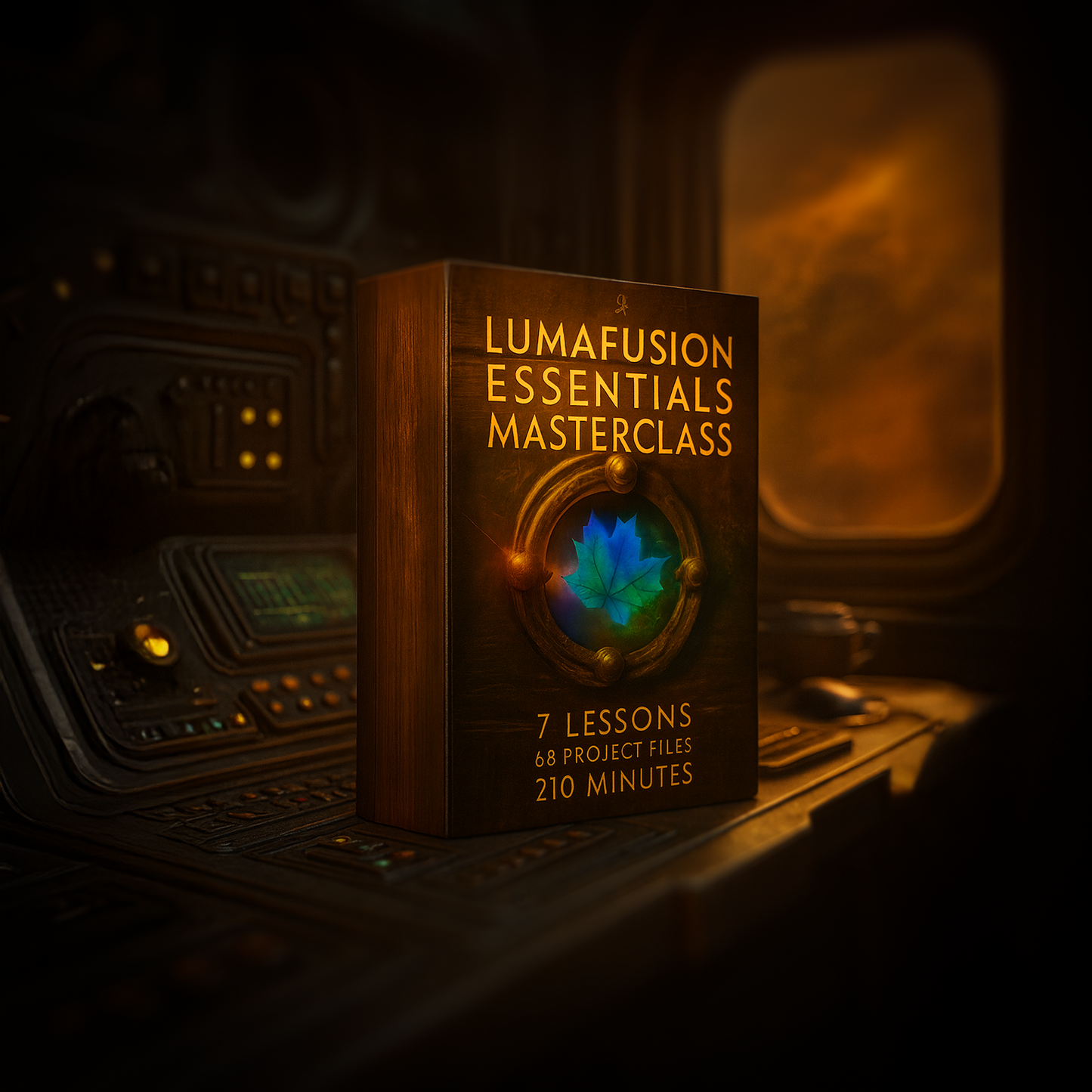
LumaFusion Essentials Masterclass
LumaFusion Essentials Masterclass
Couldn't load pickup availability
LumaFusion Essentials Masterclass – Overview
Welcome to LumaFusion Essentials 2025, a complete, modern training course designed to give you confidence, control, and speed inside LumaFusion — whether you’re editing on iPad, iPhone or Mac.
Across a series of focused, practical lessons, you’ll learn how to navigate the interface, organise your media, understand the timeline, use tools with purpose, and build an efficient workflow you can rely on for everything from quick social edits to polished client videos.
Everything is taught using real projects, real clips, and clear explanations that cut out the noise and get straight to what matters.
Preview Lesson: Titles & Transitions
Here’s a 5-minute preview taken directly from Lesson 6 – Transitions & Titles. This is a real excerpt from the course, showing how lessons are taught, paced, and explained.
If this style of teaching works for you, the full masterclass expands on these techniques across every core area of LumaFusion.
What You’ll Learn
Across seven in-depth lessons, you’ll discover how to:
- Launch LumaFusion for the first time, create new projects, and choose the correct settings for frame rate, aspect ratio and colour space.
- Navigate and customise the interface, including the Preview Panel, Media Panel, Timeline Panel and all essential edit tools.
- Organise, import, and manage footage from the Photos app, iCloud Drive, external drives and linked folders — and understand where your media actually lives.
- Move projects between devices using Project Packages and keep your edits portable and consistent.
- Trim, cut, ripple, link, unlink and rebuild sequences using the timeline tools and gesture shortcuts that make editing fast and fluid.
- Adjust speed, reverse clips and build smooth speed ramps for dynamic camera moves.
- Work with audio layers, volume controls, keyframes, mix levels and AUv3 plugins to build clean, polished sound.
- Add transitions, build text titles, animate graphics, install fonts, and create a custom Subscribe button for YouTube.
- Use colour presets, LUTs, scopes and the full colour tools to create clean grades, cinematic looks and advanced effects with adjustment layers.
Each lesson builds on the one before it, gradually unlocking the bigger picture of how LumaFusion works — so by the end, the app feels intuitive rather than overwhelming.
Who This Course Is For
- Editors who want to master LumaFusion as their main creative tool.
- Creators who want a fast, reliable workflow for YouTube, TikTok, Instagram and client work.
- Beginners who find LumaFusion confusing and want a simple, logical path through the tools.
- Experienced users who want to upgrade their workflow with professional-level techniques.
What’s Inside Each Lesson PDF
Each lesson in the LumaFusion Essentials Masterclass comes with its own downloadable PDF guide. These guides summarise the lesson, break the content into clear chapters, and give you fast access to everything you’ve learned — including mini workflows, quick-reference shortcuts, common mistakes to avoid, mini projects, and a glossary of key terms.
Every PDF is designed so you can quickly revisit the tools and techniques without having to scrub through the video again.
1. Overview Section
Every PDF opens with a short recap of the lesson — what you’ll learn, why it matters, and how it ties into the bigger editing workflow.
2. Chapter Breakdown with Timestamps
Each PDF lists the full set of chapters from the video, complete with timestamps so you can jump directly to the part you need. These chapters mirror the lesson structure so nothing is missed or skipped.
3. Mini Workflows
Every lesson includes practical mini workflows — small, focused tasks that help you apply a specific technique quickly. These are perfect for short practice sessions without rewatching an entire lesson.
4. Quick-Reference Shortcuts
Each PDF gathers all shortcuts relevant to that lesson (titles, keyframes, transitions, Frame & Fit, LUTs, scopes, blending and more) and groups them logically so you can instantly find what you need.
5. Common Mistakes (and How to Avoid Them)
This section highlights the most common pitfalls for each toolset and shows you how to avoid them, so you can skip the painful trial-and-error phase.
6. Mini Projects
Every lesson ends with a small, achievable mini project directly tied to the tools you’ve just learned — ideal for locking in the concepts through hands-on practice.
7. Glossary
Every PDF includes a glossary defining the technical terms from the lesson in plain English, which is especially helpful if you’re new to editing or colour.
Course Structure
-
Lesson 1 – Launching LumaFusion
Getting comfortable with projects, panels and the timeline.
Approx. duration: 25 minutes -
Lesson 2 – File Management
Importing, organising and moving projects between devices.
Approx. duration: 10 minutes -
Lesson 3 – New Project & Adding Clips
Navigation, trimming, building a sequence and essential tools.
Approx. duration: 30 minutes -
Lesson 4 – Speed, Reverse & Stabilisation
Speed controls, reverse, stabilise, keyframes and timeline precision.
Approx. duration: 23 minutes -
Lesson 5 – Editing Audio
Mixing layers, volume control, ducking, EQ, plugins and clean sound design.
Approx. duration: 52 minutes -
Lesson 6 – Transitions & Titles
Fonts, text animation, transitions, graphics and creating a YouTube Subscribe button.
Approx. duration: 38 minutes -
Lesson 7 – Colour & Effects
LUTs, colour correction, creative looks, effects, adjustment layers and grading workflows.
Approx. duration: 34 minutes
Total runtime: approx. 3.5 hours of training.
Practice Footage Included
Alongside the video lessons, the course includes a complete media library with over 70 downloadable video clips, spread across multiple themed projects. These are the same clips used throughout the lessons, so you can follow along exactly as shown or build your own edits from scratch.
Project Libraries
- Dune Inspired – 31 cinematic world-building shots for practising colour grading, transitions, stabilisation and dramatic storytelling.
- Lancia Delta Integrale – 19 dynamic automotive clips ideal for speed ramps, Frame & Fit, motion, overlays and grading practice.
- Major Tommy – 18 character-led narrative clips perfect for pacing, markers, story editing and title design.
- Sk8terBoi ProRes – 4 ProRes example clips for demonstrating caching, playback behaviour and pro-grade workflows.
Real-World Footage Pack
You’ll also receive seven real-world video clips, including:
- Drone shots
- ProRes examples
- Real estate footage
- Nature B-roll
- Older archival clips
- A fire-spinner performance
- Castle and landscape aerials
These give you a realistic mix of formats, resolutions and codecs — the kind of footage editors handle in real projects.
By the End of the Course
You’ll come away with a complete, professional workflow from import to export — including organisation, editing, audio, colour, titles and final delivery.
You’ll understand how to build fast, repeatable systems, and you’ll be confident using every major tool inside LumaFusion. Whether you’re creating mobile content, cutting short films, producing YouTube videos, or building client-ready edits, you’ll finish the course with the skills and structure to take on any project.
And with downloadable practice footage and a full PDF guide for every lesson, you’ll always have something clear to refer back to as you grow.
Share